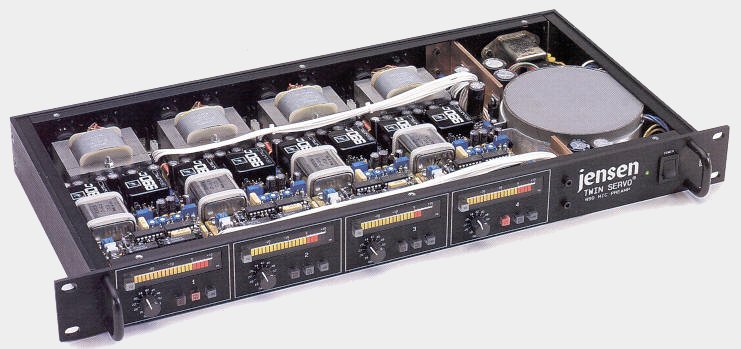
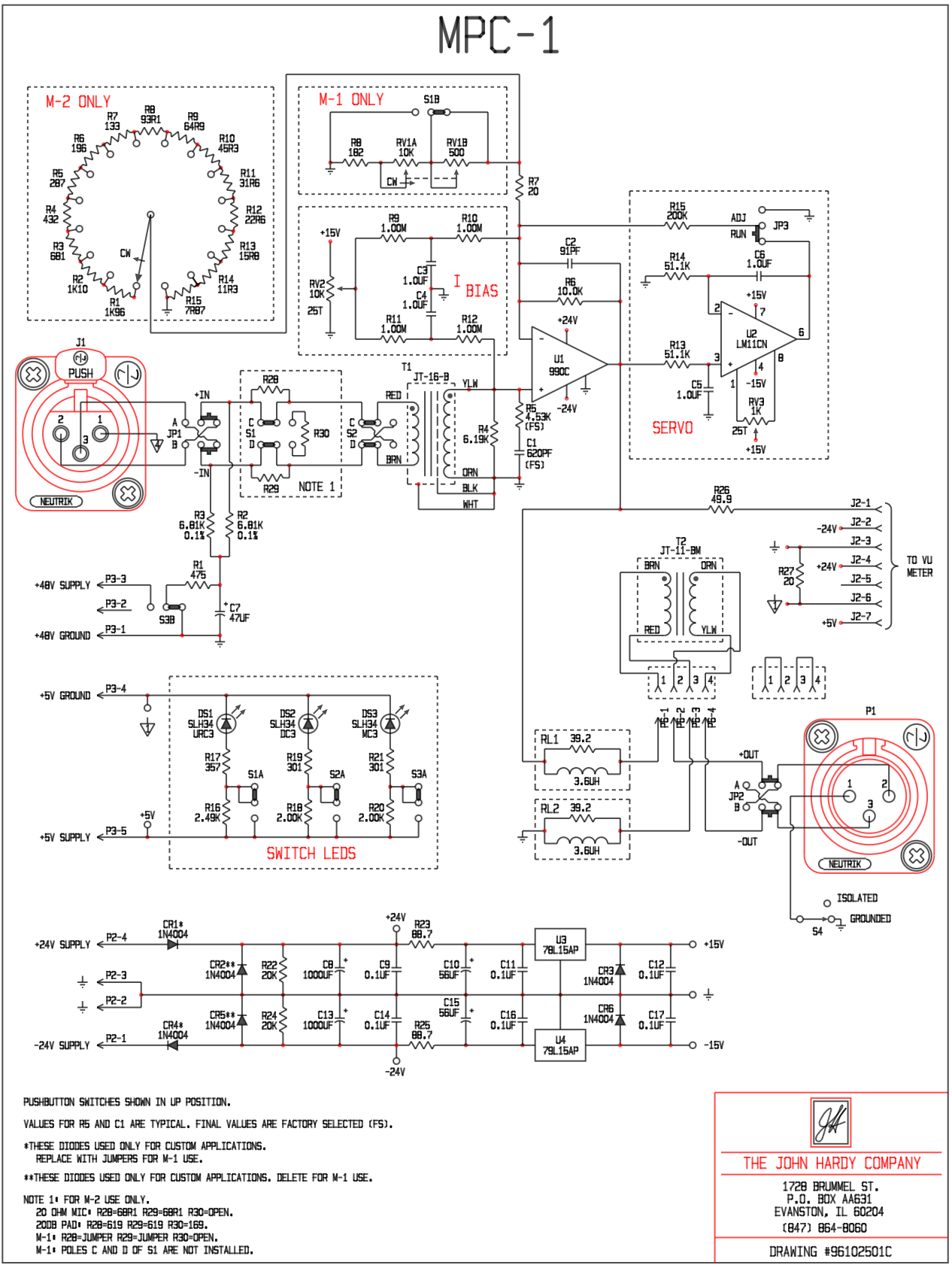
MPC-1 Preamplifier Schematic — drawn in C3
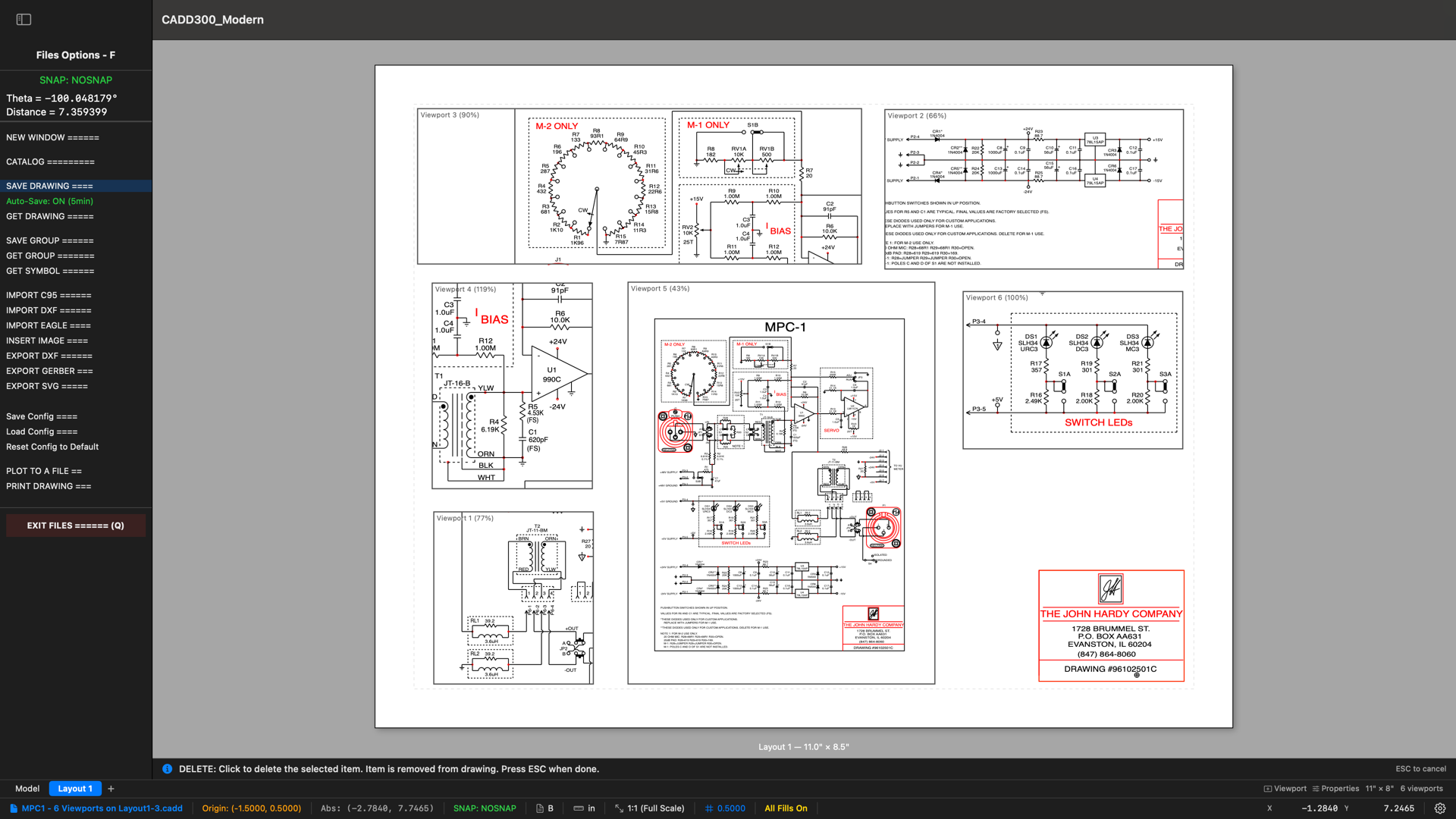
Layout / Paperspace — Six Viewports, One Sheet
The same MPC-1 schematic shown through six independent viewports, each at a different scale and showing a different section of the circuit. Create as many layouts as your project requires, each with unlimited viewports. Assign per-viewport layer groups to show only the layers you need. Title blocks, borders, and annotations live on the paper — not in your model. Everything is stored in a single .cadd file alongside your drawing.
The 43-Year User
“I have been using his program ever since, and I won’t leave home without it.”
I began making mechanical drawings in the later 1960s, with paper and pencil, a ruler and a triangle, and an eraser. I made circuit board designs, drawing them on poster board. In 1977 I made the major upgrade to a light table and drafting arm, with a “precision grid” and lots of Mylar film for circuit board drawings.
Around 1981, my old friend John Christy began writing a CADD program, first on the Hewlett Packard HP85 computer, then upgrading to the HP “200 Series” and then the “300 Series” engineering computers. I bought an HP “216” computer, then an HP “340” computer, and began using Christy’s CADD program. I have been using his program ever since, and I won’t leave home without it.
I have relied on it for drawings of sheet metal parts, injection molded plastic parts, machined parts, schematics, circuit board designs and any odd drawing that I need to make. It has always been very easy to use, with lots of common sense features that were missing in the most expensive CAD programs of the 1990s and 2000s, and probably today.
Christy has always been very responsive to suggestions from his customers, including me. I was fortunate that he gave me a copy of the source code, so I added several simple convenience features. There were two features in particular that seem crazy by modern standards, but in the 1980s they were non-existent or very specialized. The first feature was “Wide Lines”. In the 1980s, if you wanted a wider line in your hard-copy, you put a plotter-pen with a wider tip in your plotter. But for circuit boards, I needed more flexibility and precision, so I added the “Wide Line” feature so that I could do pen plots with much greater precision. In 2012 I needed to add “Gerber File” capability to the program because of a complex circuit board design that I was working on. It was a bare-bones software addition, using the RS232 output of the HP computer to transfer the files to a modern PC.
Now it is 2026, and Christy has accomplished the huge task of bringing this 45-year-old program into the modern world to run on Mac computers. There are tons of new features that rival and surpass the “top” CAD programs of today. I am thrilled to be using it.
— John Hardy, The John Hardy Company, Evanston, Illinois